
October 2026 · About 4 minutes
The release said 14 frames. The approved elevation showed 15. Nobody counted.
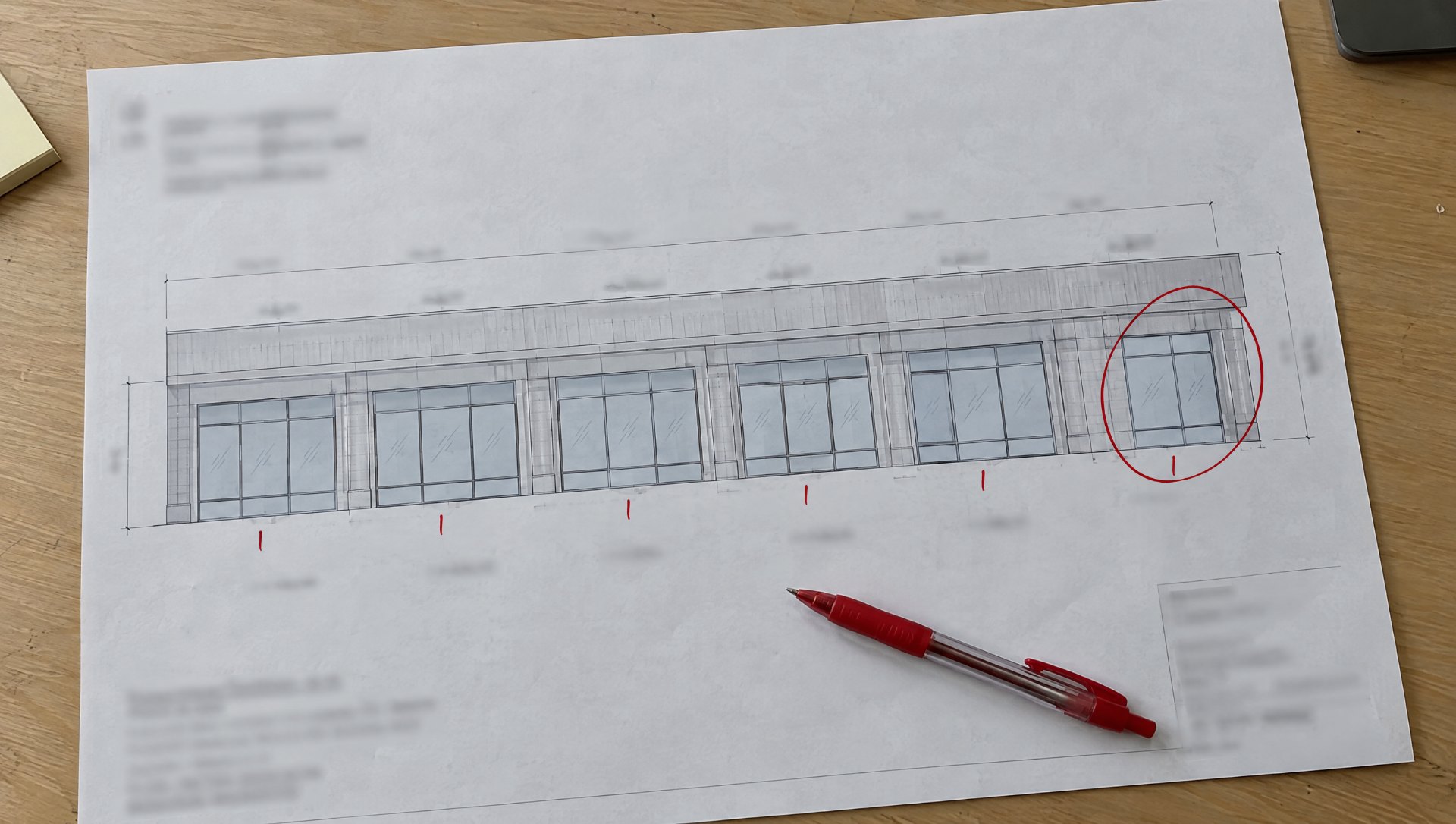
The shop built 14 because that is what the cut list said, the fifteenth was a sidelite the architect added in the last revision, and the crew found out at the opening. One frame, one finish order, one truck, two weeks. The check that would have caught it takes about a minute: count the openings on the latest approved elevation and compare to the release.
That is what this checklist is: five things to check on the storefront or glazing shop drawings before a package goes to fabrication. It is short on purpose. It is not a review of the drawings for the architect; that already happened. It is the PM’s last look before the shop starts cutting, and it catches the things approval does not.
Printable checklist
One page, the five items below with a checkbox and a line for initials and date. Print it and keep it in the release folder. No sign-up.
The shop drawing review checklist, before release
1. Dimensions. Every critical dimension and opening size on the release is a field dimension or a guaranteed opening size, not a design dimension. No “VIF” left on the set.
2. Quantities. Opening count and frame count on the release match the latest approved drawings and the schedule, opening for opening.
3. Finishes and materials. Finish type and color are named the way the finisher quotes them; system, series, and infill thickness are on the set; any split (doors versus frames, one elevation different) is called out by opening.
4. Hardware and fabrication details. The current hardware schedule is attached with handing diagrams and templates; machining, pivot, closer, and electrified preps are on the drawings, not implied.
5. Nothing open. No unanswered RFI, pending revision, substitution, or missing detail that could stop the shop mid-package.
1. Verify the dimensions are the ones the shop can cut to
Storefront shop drawings get approved with design dimensions on them. Fabrication needs field dimensions or a guaranteed opening from the GC in writing. Check every opening on the release against the field measurement log and the drawing: who measured it, when, and whether the wall has moved since. A single “VIF” that survived approval is a frame built to a guess. If an opening cannot be measured yet, it is not in this release; put it in the next one.
2. Confirm the quantities against the latest approved set
Count. Openings on the elevation, frames on the schedule, doors on the hardware schedule, and the number on the release should all agree. The common miss is a revision between submittal and release that added or removed an opening, a transom, or a sidelite, and a release built from the earlier count. Check the revision date on the drawings you are releasing against the latest stamped set.
3. Make sure the finish, the color, and the material are unambiguous
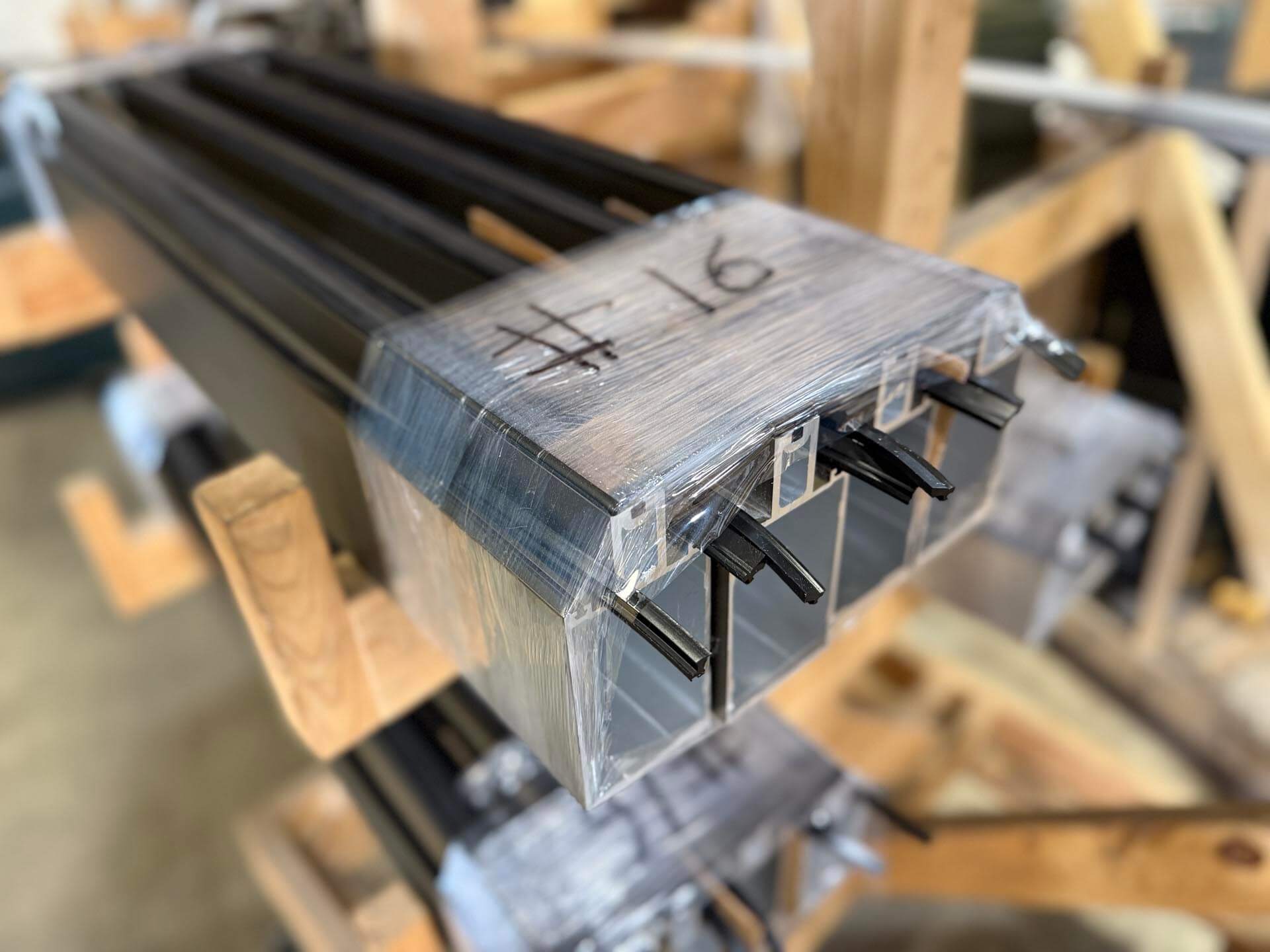
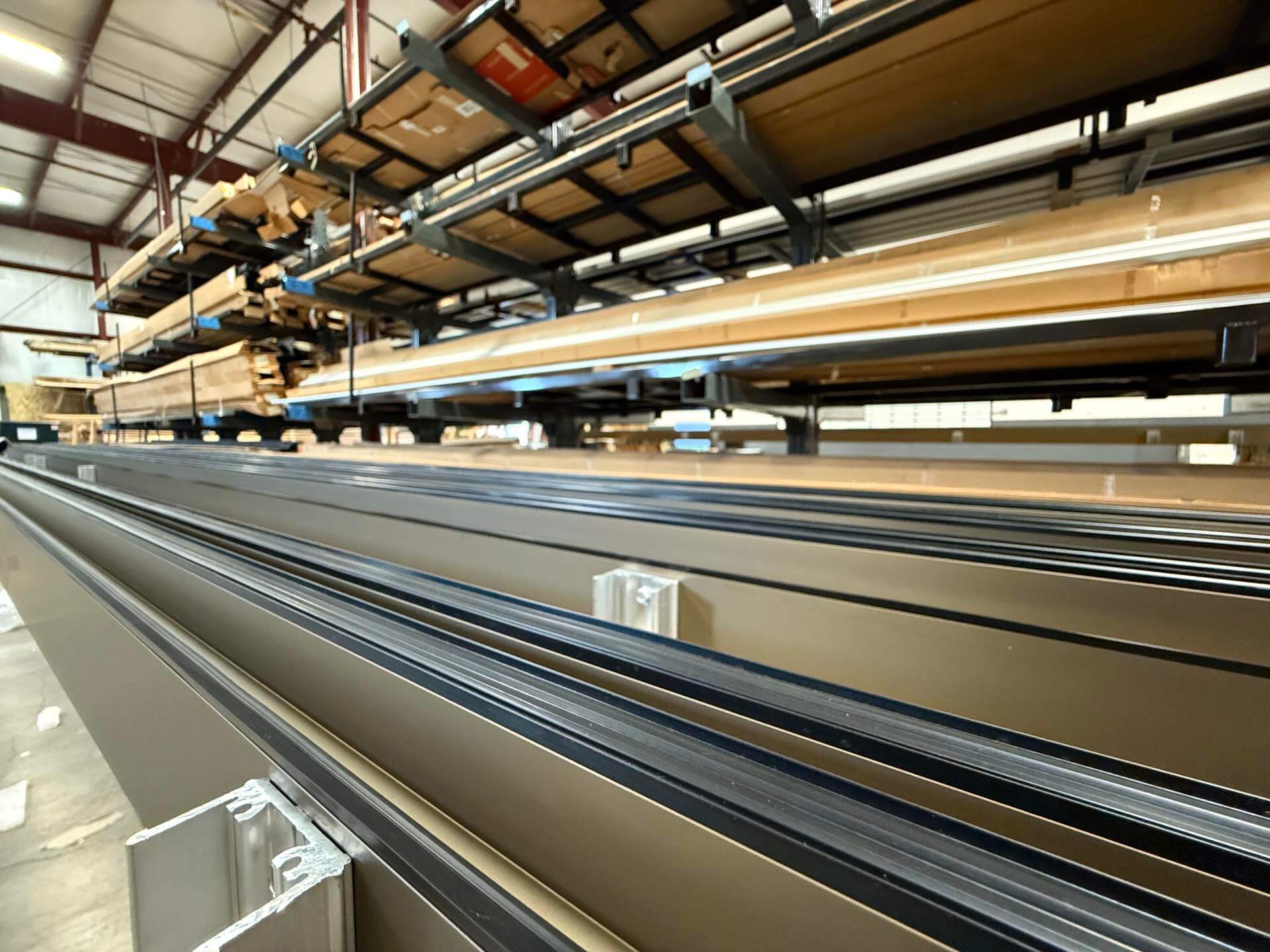
“Dark bronze” is a color family, not a finish. The release names the finish type (Class I or Class II anodize, two-coat or three-coat paint, powder coat), the color by the manufacturer’s name and number, and the finisher if the spec names one, and it names the system, the series, and the glass thickness so the shop pulls the right extrusions and gaskets. If any elevation, door, or face differs, the release says which. Finish has the longest lead time on most packages, and a finish mistake goes back through the whole cycle.
4. Read the hardware and fabrication details for anything that could become an assumption
The shop builds what it can read. Anything it cannot read, it either asks about (a delay) or assumes (a remake). Check that the hardware schedule on the release is the current revision, that every door has a handing diagram and not just a letter, that templates are on file for every device the shop preps for, and that pivot, closer, lock, and electrified preps are drawn. The entrance release article covers the six door details that go wrong most, and the fabrication release article covers what each document in the package has to contain.
5. Confirm there is nothing open that could stop fabrication
An open RFI on a head detail, a substitution request the architect has not answered, an electrical requirement nobody has confirmed, a sealant joint the GC is still deciding: any of them can stop a package after the metal is cut. List every open item that touches this release and either close it or pull the affected openings out of the release. The shop can build around a known gap; it cannot build around one it does not know exists. An approved set with an open RFI on it is covered in No Exceptions Taken Is Not a Release.
The takeaway
A five-minute release check can prevent days of fabrication delays, questions, and costly remakes. Dimensions, quantities, finishes, hardware and preps, open items: five lines, initialed and dated, on top of every package before it goes to the shop. Print the checklist, keep it in the release folder, and have the shop confirm it got all five before the first cut.
Printable checklist
The same one-page release checklist. Print one for every package before it goes to the shop.
WestMetal Fabrication reads every release against the same five items before cutting and sends the questions back in one list instead of one at a time. See what WestMetal fabricates.
Learn the fundamentals on LearnGlazing
Two free LearnGlazing courses cover the ground this article skips. Introduction to Fabrication walks through shop operations and delivery considerations, and Submittal and Approval Process explains knocked-down, shop-assembled, and pre-glazed packaging. WestMetal Group is a LearnGlazing partner through the GlazierIQ network. Browse the full course catalog.
Bob Baumann
Sales, WestMetal Group
I have been on the fabrication side of glazing for a long time, and before WestMetal I ran a shop floor where the release was the thing that decided whether the week went well or badly. I still read every package that comes in before it goes to the saw, and I still call the PM when something on it does not add up. WestMetal Group is part of the GlazierIQ network with MP Drafting and LearnGlazing. Questions about an article or a package? Send it to Bob.
</div >